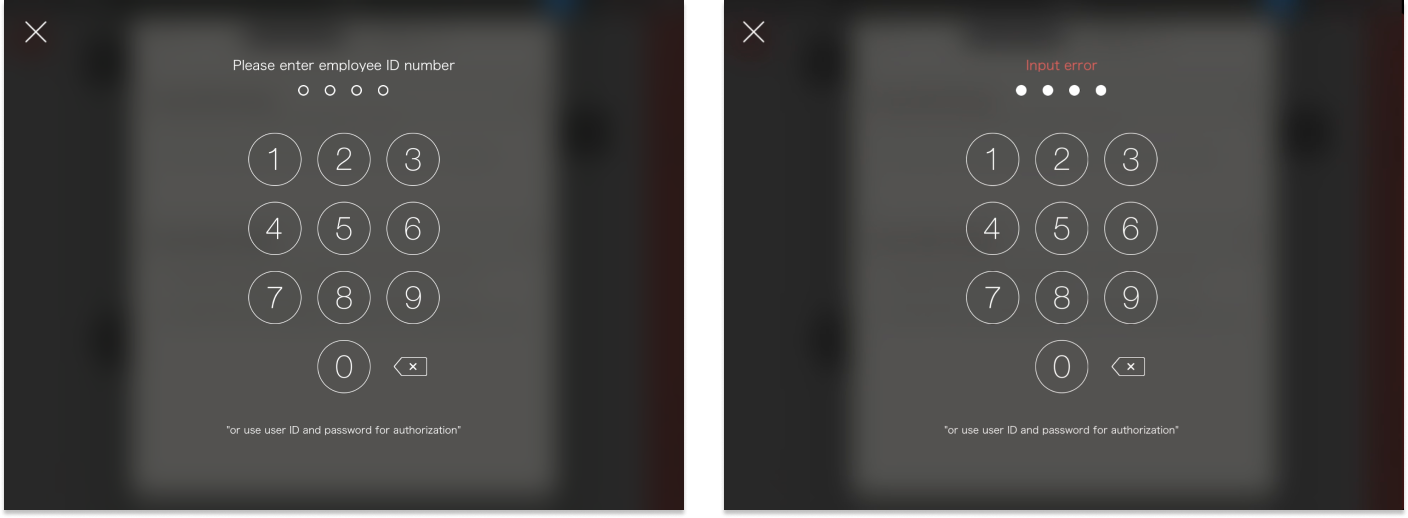
Learn how to enable verification for specific operations, configure the permissions, and keep operation records.
An account group is the smallest unit for configuring the authorization. The employee accounts in the same group all share the same operating authorization. You can configure it through “Enabling Verification” and “Selection of Account Group”
Verification Toggle
- ON
 : it is required to enter POS passcode before performing an operation (What Is POS Passcode)
 - OFF
 : no verification is required
Selection of Account Group
- No groups are selected: only the administrator can operate
- Selected groups: the employees in these groups can perform an operation after entering their POS passcode
Set up Steps
Through enabling verification and the selection of different account groups allow you to create diverse verification scenarios. For example, a special discount that only the store manager is authorized to apply, or record who are responsible for the checkout of each order.
- Go to Authorization > Edit Authorization
- Enable the verification according to your needs
- Select the account groups that are allowed to operate
- [Update menu] on iCHEF POS

Authorization Examples
| Settings | POS Passcode | Permission | Authorization Records |
|---|---|---|---|
 | Not required | Anyone | X |
 | Required | Administrator | O |
 | Required | Administrator, Manager | O |
 | Required | Anyone | O |
Enable Verification When Setting up Other Functions
You can enable the authorization verification when setting up specific functions, such as discounts and loyalty point programs, etc. The update of the settings will be synced.

When performing authorization verification, a POS passcode is required. iCHEF POS will identify if the entered account is authorized for the operation. If not, the system will not allow the employee to perform the operation.