
iCHEF POS saves invoice/receipt information of every transaction for you. Such as time of issue, payment amount, payment method, tax amount, etc. You can also export the report for accounting purpose.
View GST Tax Invoice Report
Go to Sales & Reports > GST Tax Invoice Report and you can have an overview of the invoice/receipt record.
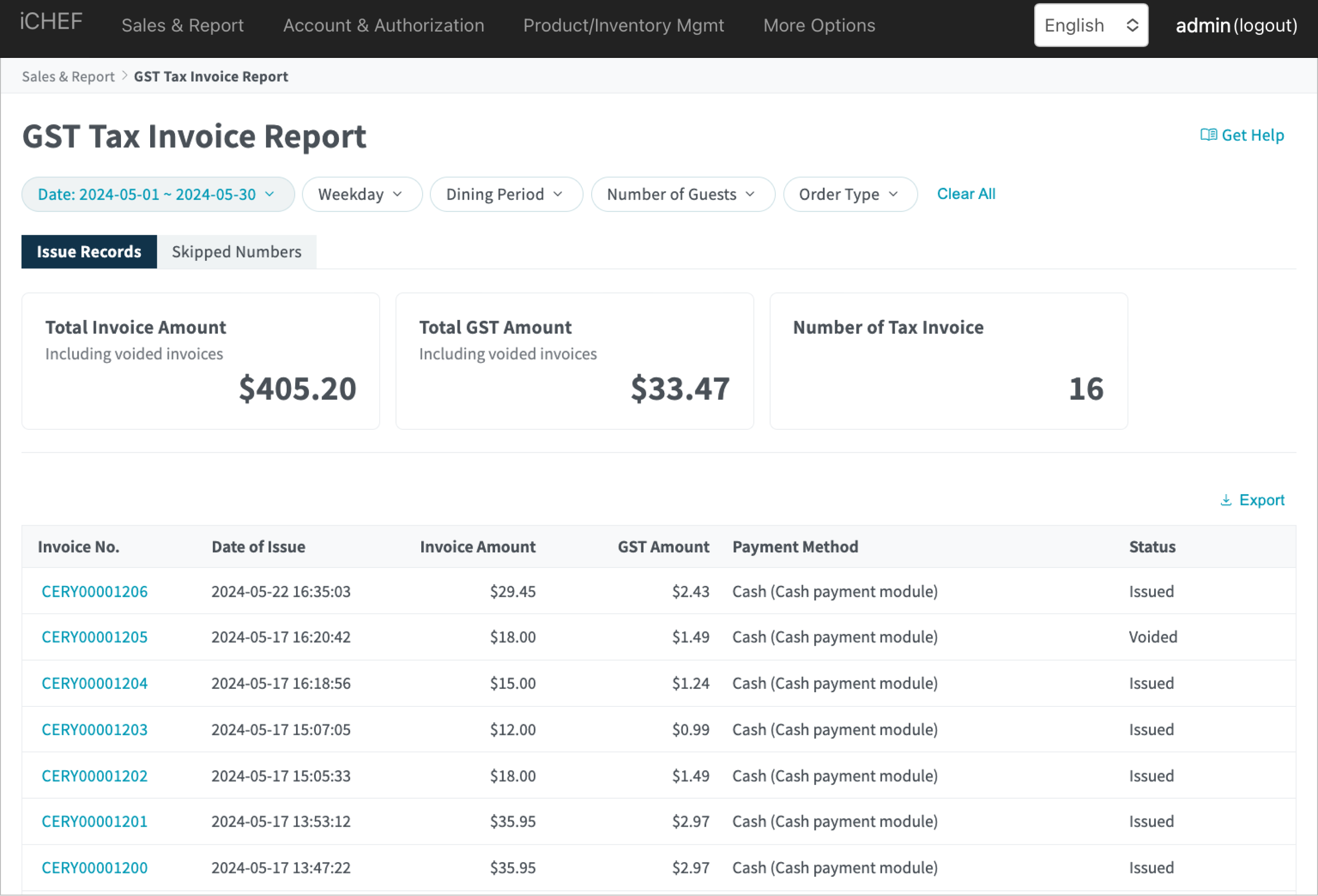
Report Filter
You can use the filter above to find what you are looking for!
- Basic option: select a data range
- Advanced options: filter by a specific time period, number of guest and order type.

It is suggested that you refine a data range less than 93 days for the sake of efficient data query and smooth report loading.
Invoice/Receipt Details
Click on the invoice/receipt then you can check further details.

Export GST Tax Invoice Report
- Define the data range by the [Date] filter
- Click [Export] to download a xlsx file
