
iCHEF ERP Integration
ERP integration is an additional service with iCHEF. This service provides standard integration plan, which is easy to launch and manage. With this integration, you can transmit your business data on iCHEF POS to the ERP system and obtain a comprehensive analysis of operation to better manage your business. (More about ERP)
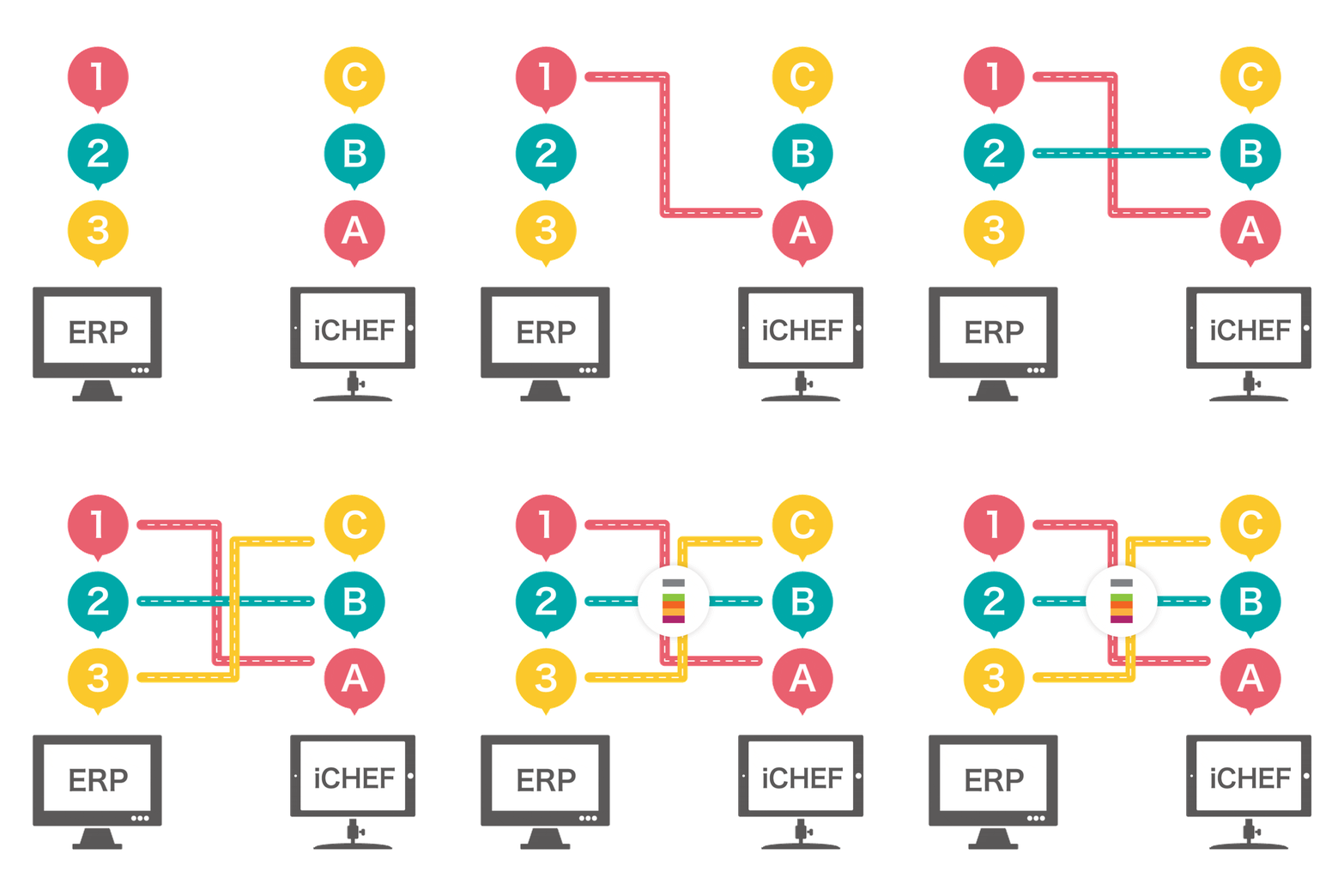
How to Transmit
| Item | Description |
|---|---|
| Integration Detail | ERP system requests data through the invoice API. |
| Format | JSON |
| Delivery Method | API |
| Required settings info | 。API endpoint 。Authentication: access token / username & password |
Integrate iCHEF items with ERP
To enable data transmission, each ERP item has an integration ID that maps with the POS provider, which is used for transmitting the data of sold items to the corresponding place in ERP. To do so, it must be bound with the items in [Product Management].
Items Integration
- Go to Product/Inventory Mgmt > Category
- Click on the category of the items
- Click the pen icon of the item and select [Edit]
- Find [System Management], and then enter the integration code in [External integration ID]

Modifier
- Go to Product/Inventory Mgmt > Item Modifiers > All modifiers
- Click the pen icon of the modifier and select [Edit]
- Find [System Management], and then enter the integration code in [External integration ID]
