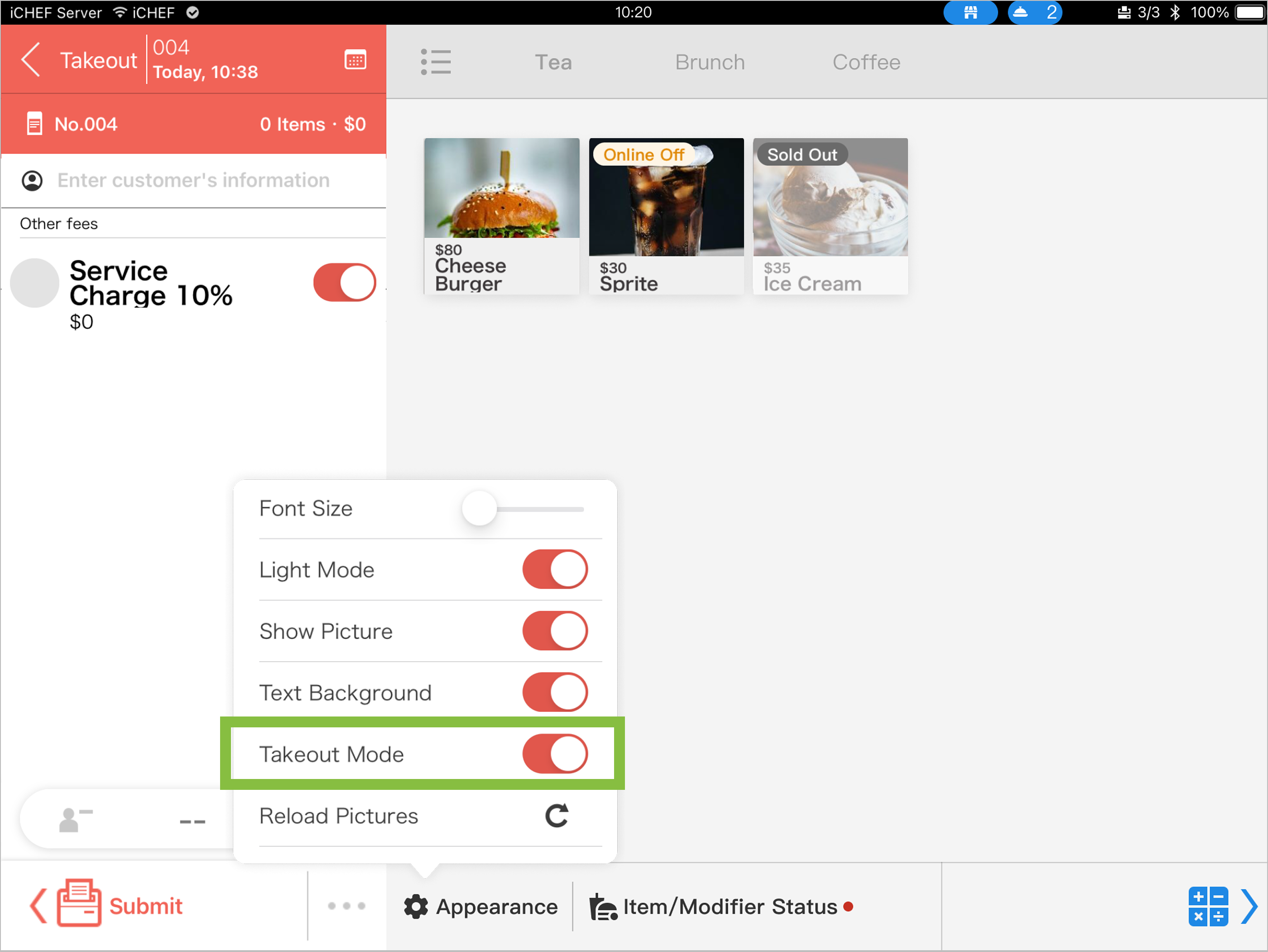
To increase the efficiency of taking orders, takeout mode is especially design for stores that only provide takeout service.

Enable the Takeout Mode
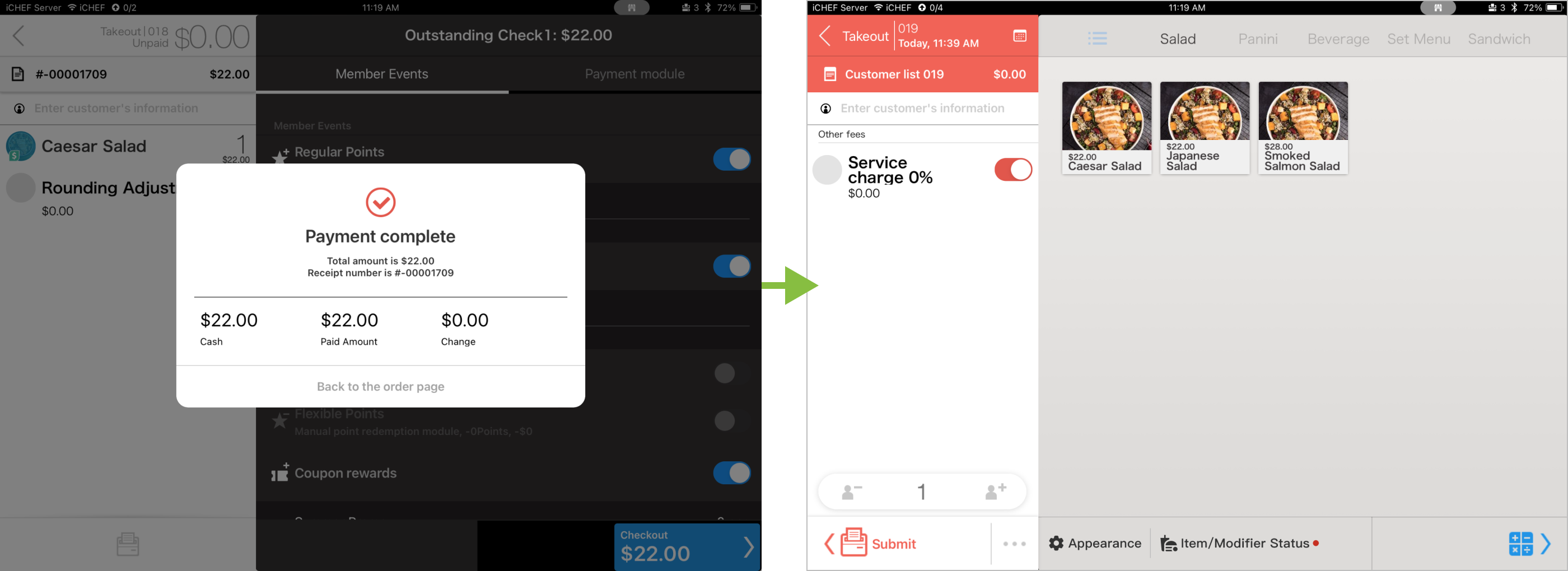
When you create orders in the takeout/delivery area, the system will omit the steps of [Close the Order] and [Create Order], and create the next takeout order automatically after the previous order has been paid.
Enable from iCHEF Backend
- Please go to Store Management > Store Processes and Alerts
- Find [Takeout area setting] and toggle on [Takeout Mode].

Enable from iCHEF POS App
Tap and enter any takeout order, and click the [Appearance]. Turn on [Takeout Mode].