
iCHEF POS understands communication challenges between front and back of house. By smoothly pairing with multiple printers, you can customize receipts for different stations like kitchen and bar, helping staff focus on their tasks and improving order accuracy and speed.
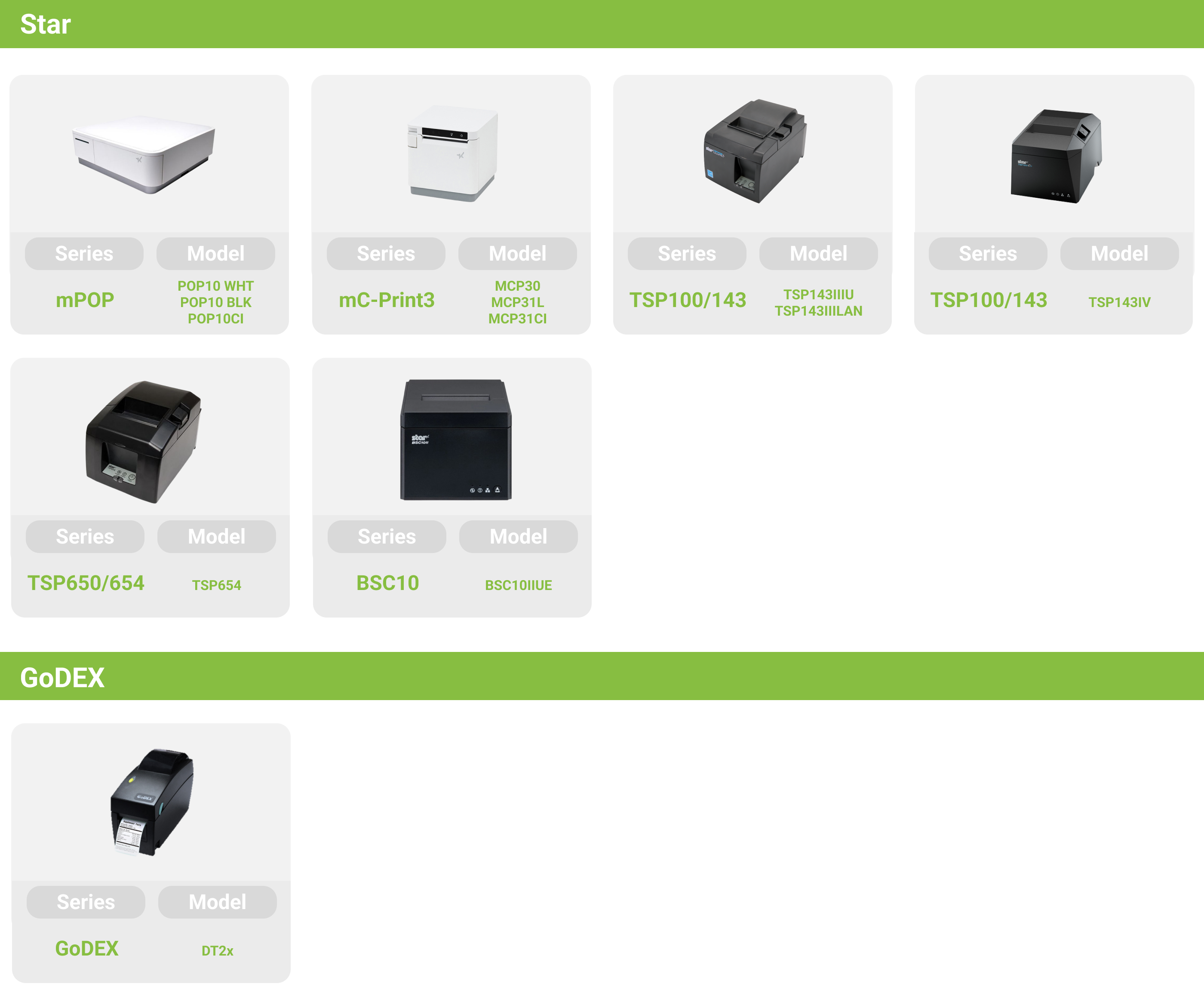
Supported Printer Models
Supported order printer models vary by restaurant location with iCHEF.Learn More
Add different print rules for printers
You can add multiple print rules for each printer, categorized by different usage contexts for “Back of House” and “Front of House.”
Kitchen
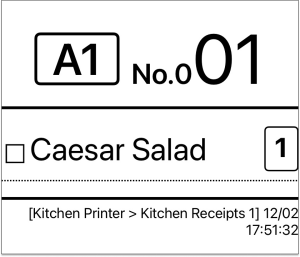
Receipts focus on “items” and “quantities” to help kitchen, bar, and other stations quickly see key details.
Kitchen Receipt
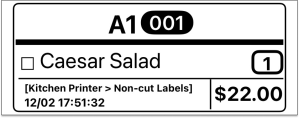
Adhesive Label
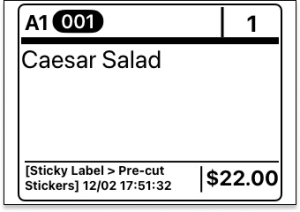
Sticky Label (Pre-cut)
Front of House
Receipts focus on “customer info,” providing details customers want and helping front of house confirm orders.
About Payments

Guest Check

iCHEF POS Printer Pairing
After completing backend settings and applying the new profile in iCHEF POS, you can see the printer list matching the backend in Toolbox> Device Management > Printers and pair them.Learn more