
The iCHEF POS App interface covers store management features from login to various areas, as well as core order content operations. This article will provide you with an overview of the purpose and usage of each page.
Shop Management
The Login Page, Table Status Page, Ordering Page, Discount Page, Checkout Page, and Toolbox help you complete your store’s operational management!
❶ Login Page
On the login page of iCHEF POS App, you can do a basic login, choose to update menu for this login, or access the troubleshooting information.Learn More

❷ System Status Bar
System Status Bar locates on the top of the screen. It provides the information of the system function.Learn More

❸ Notification Center
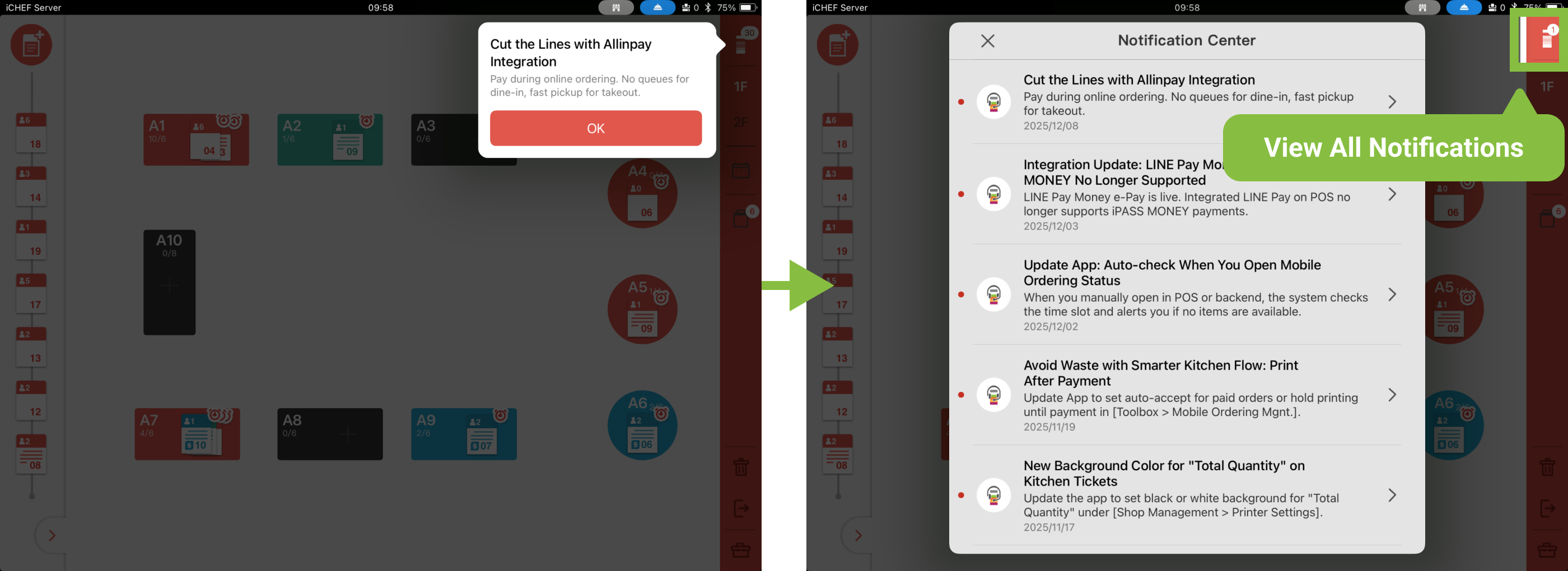
iCHEF will display notifications about the latest POS features and optimizations when you log in to the POS! You can also access the Notification Center anytime via the Logo icon in the top-right corner. Once inside, you can see all past notifications and detailed descriptions.
❹ Table Status Page
The Table Status Page is divided into 4 major areas: Waiting Area, Dine-in Area, Takeout/Delivery, and Reservation Management (displayed when this feature is activated). Orders can be added and managed in each area.Learn More

❺ Toolbox
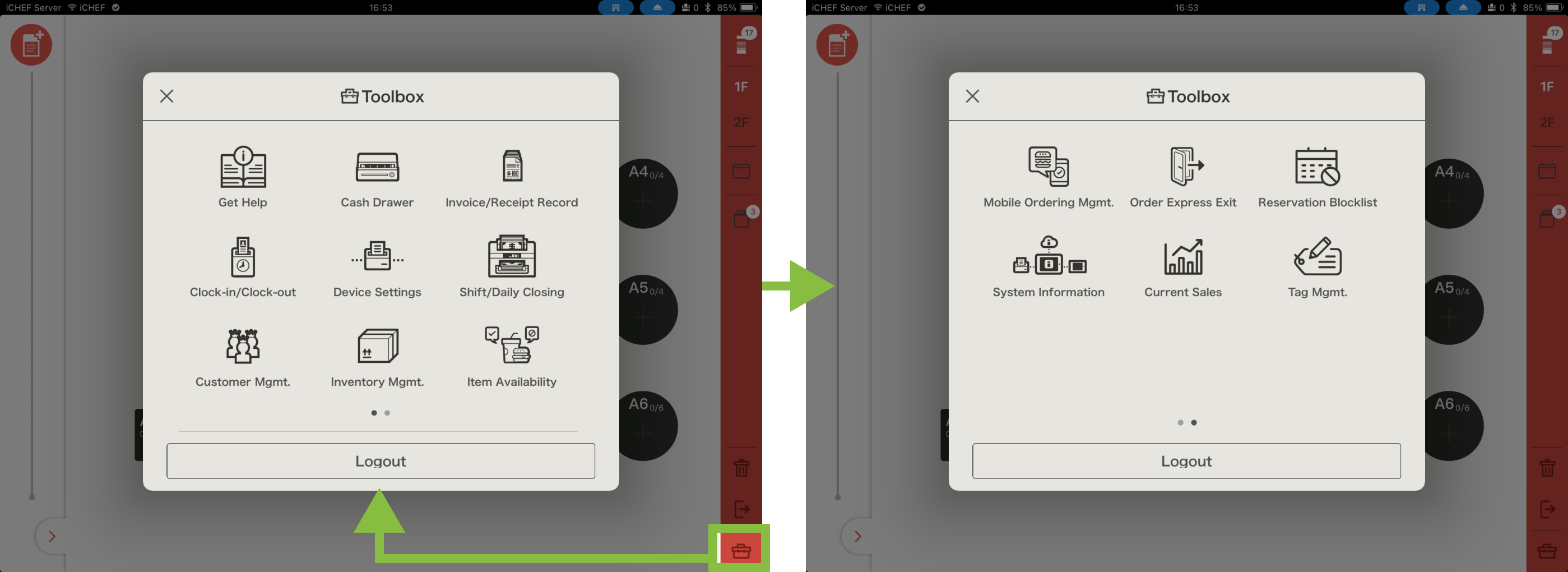
When using the iCHEF POS App, you can access the Toolbox in the bottom-right corner at any time to view and adjust operational settings.Learn More
Order Content
❶ Ordering Page
The iCHEF POS App ordering page contains order information, the menu, and the Items Consumed list. Through this page, you can take customer orders and send the order details to the receipt printer.Learn More

❷ Discount Page
Clicking the checkout button on the bottom-right of the Ordering Page leads to the [Discount Page] On this page, you can apply discounts to the order. If the customer group requests split payments, you can also split the order here for separate checkouts. Learn More

❸ Checkout Page
Continuing to click the checkout button on the bottom-right of the Discount Page leads to the [Checkout Page] On this page, you can manage point collection and redemption, select the payment method, and complete the checkout process.Learn More
