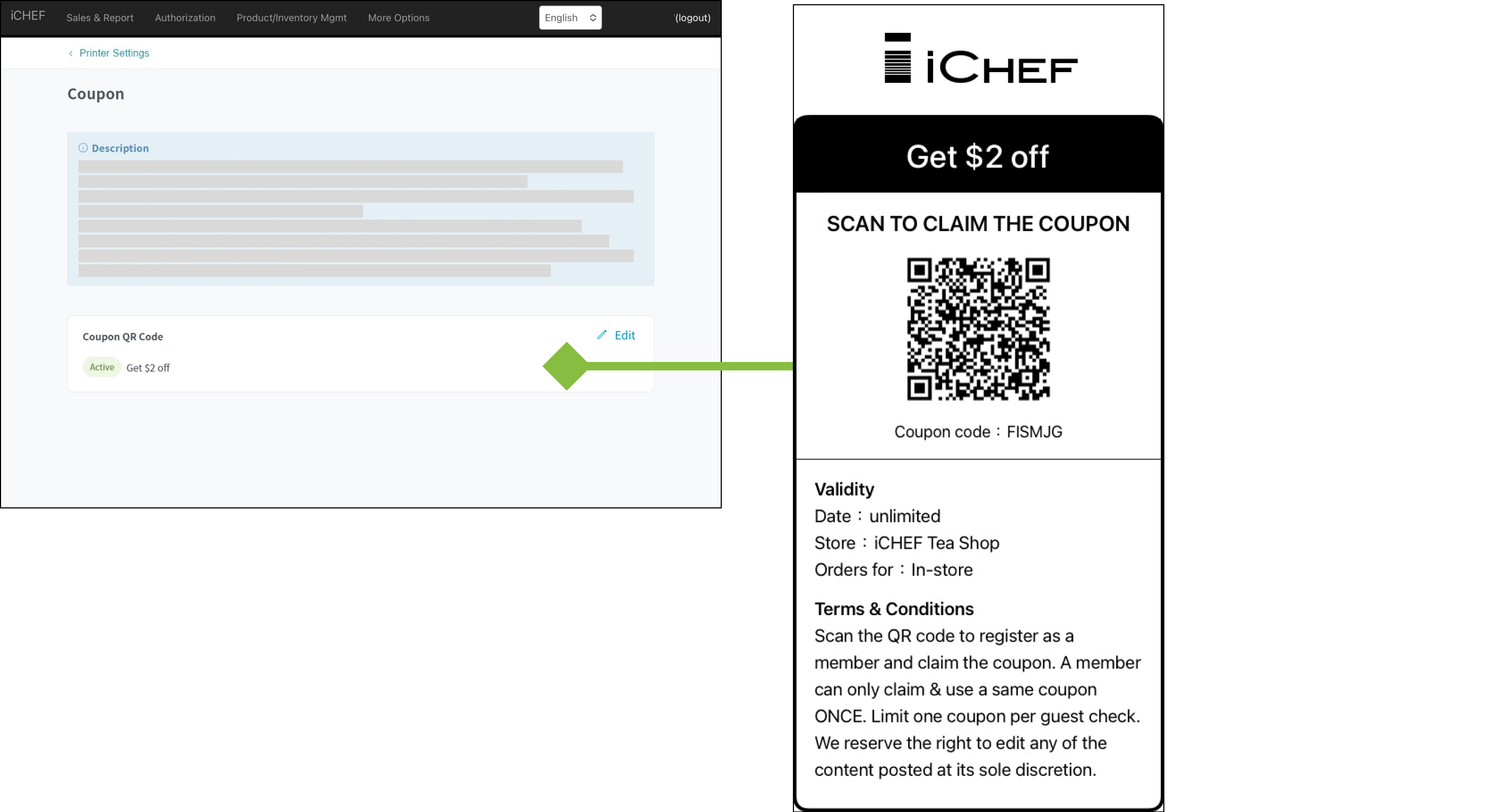
Besides setting up the printing of coupons in the page of discounts settings, you can also manage the promotions which require the printing of coupons in the printer settings.
More about coupons: [Discounts] Coupons
Print Types

Coupons
Customers can scan the QR Code to sign up as a member of your store and receive the coupons, which encourage them to visit your store again.
How to Edit
When the Coupon QR code feature is enabled, the system will automatically create this rule for the printer to which the “Customer Receipts and Billing” rule is assigned
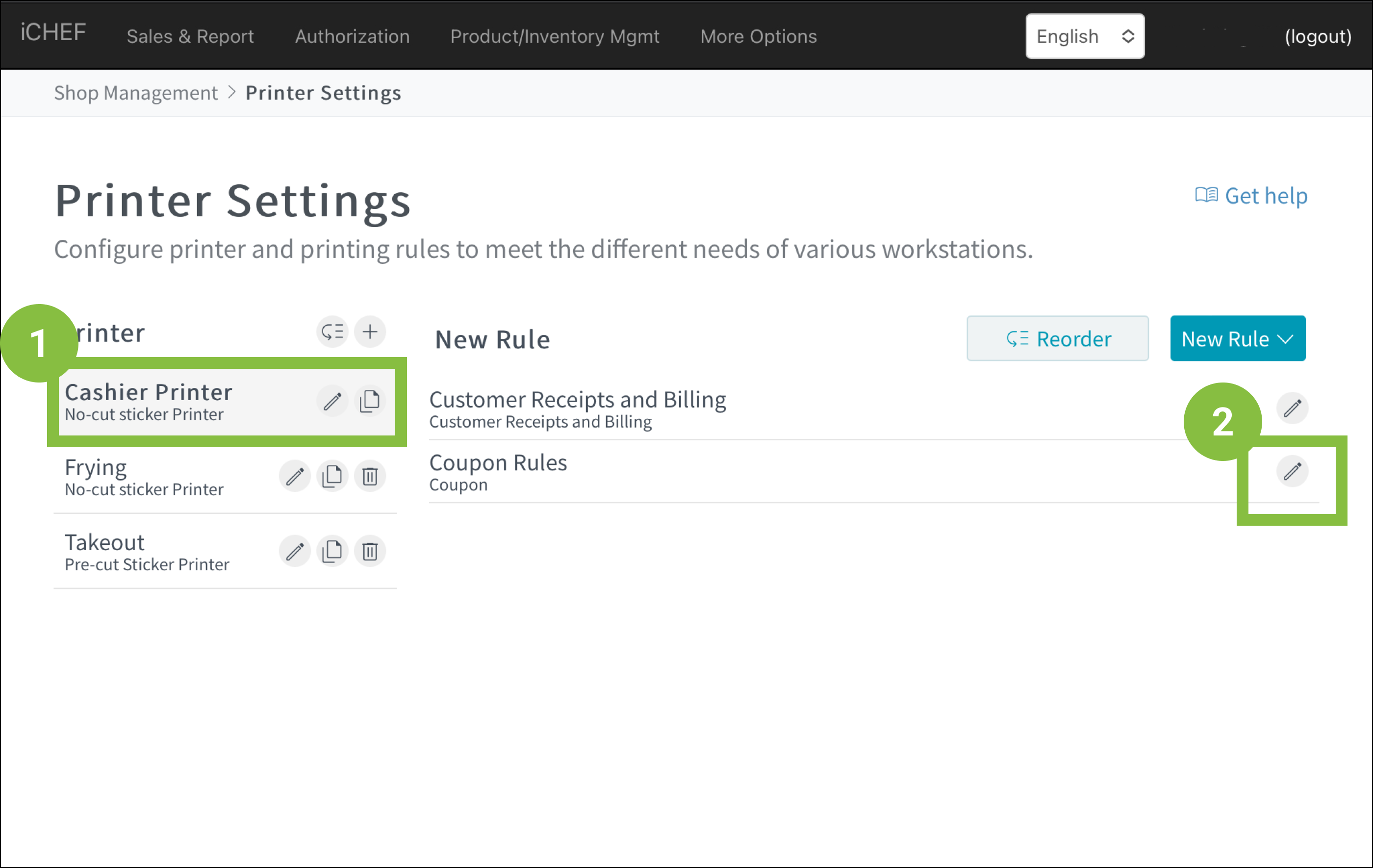
- Go to Shop Management > Printer Settings
- Select the printer for the “Customer Receipts and Billing” rule
- Click the rule or the
 icon
icon
Settings of Rules
Coupon QR Code