
Not aware of new features? Missed optimizations? With iCHEF’s regular updates, how can you stay up-to-date with the latest version and features? Here are two easy ways to get early access to new functions and enjoy a smoother experience!
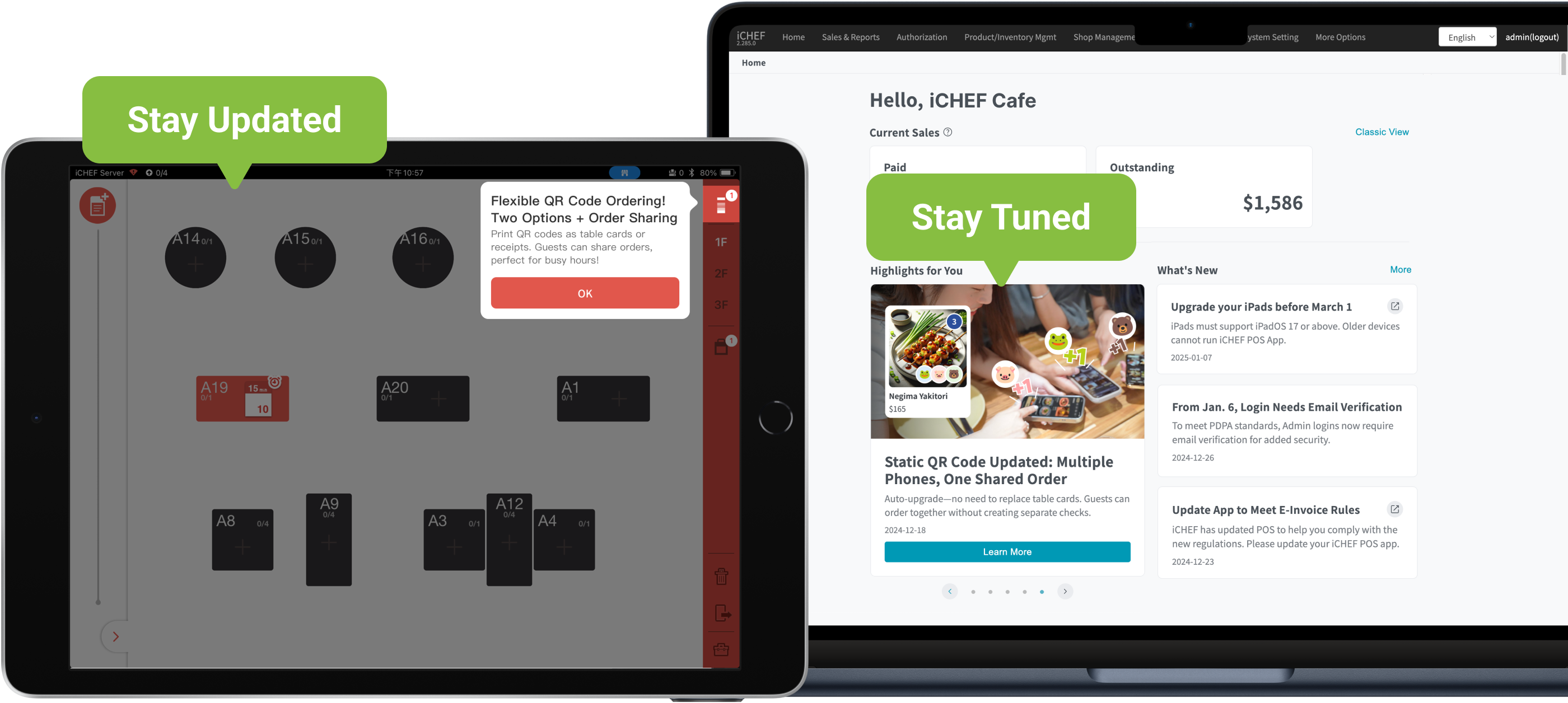
❶ Stay Updated with Automatic App Updates
Turn on automatic updates to keep your iCHEF POS App always up to date—no need to manually check or update!
➤ 2 Steps to Set Up:
- Open your iPad’s built-in [Settings] > [App Store].
- Enable [App Updates] under Automatic Downloads.

❷ Stay Tuned for System Announcements
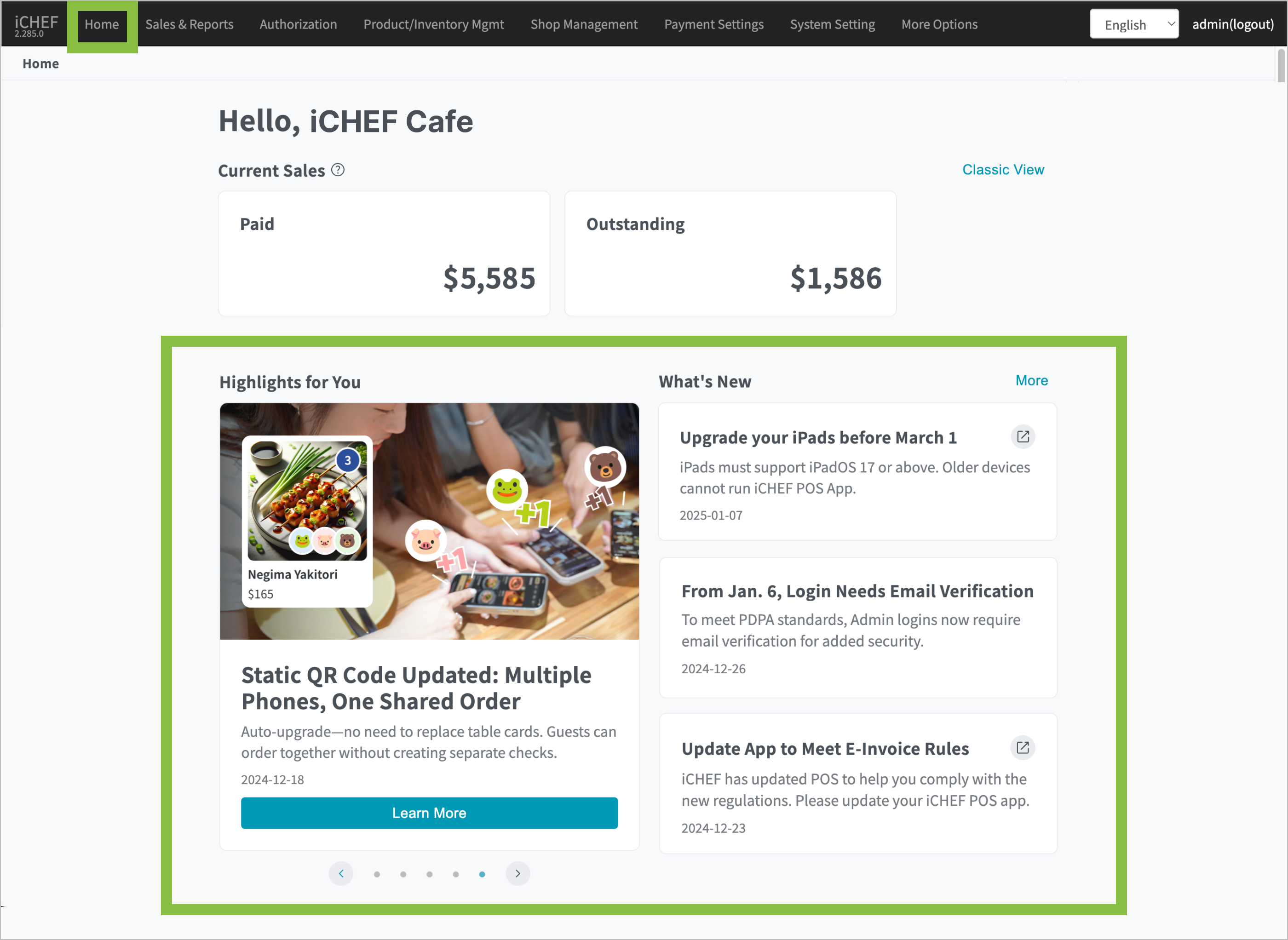
Whenever there are new features or optimizations, iCHEF announces them in the iCHEF POS App Notification Center and iCHEF Backend Homepage. Take a quick look when you have time—you might find exciting new features recommended just for you! 🤩
➤ App Notification Center: Tap the iCHEF logo at the top right of the table status page to view recent announcements.

➤ Backend Homepage: Log in to the backend to check announcements at the bottom, or click [Home] in the top menu.
Final Step: Apply New Settings!
All basic iCHEF settings are managed in the backend and applied in POS. After adjusting settings in the backend, simply go to [Update menu] in the iCHEF POS App to see the updates!
