
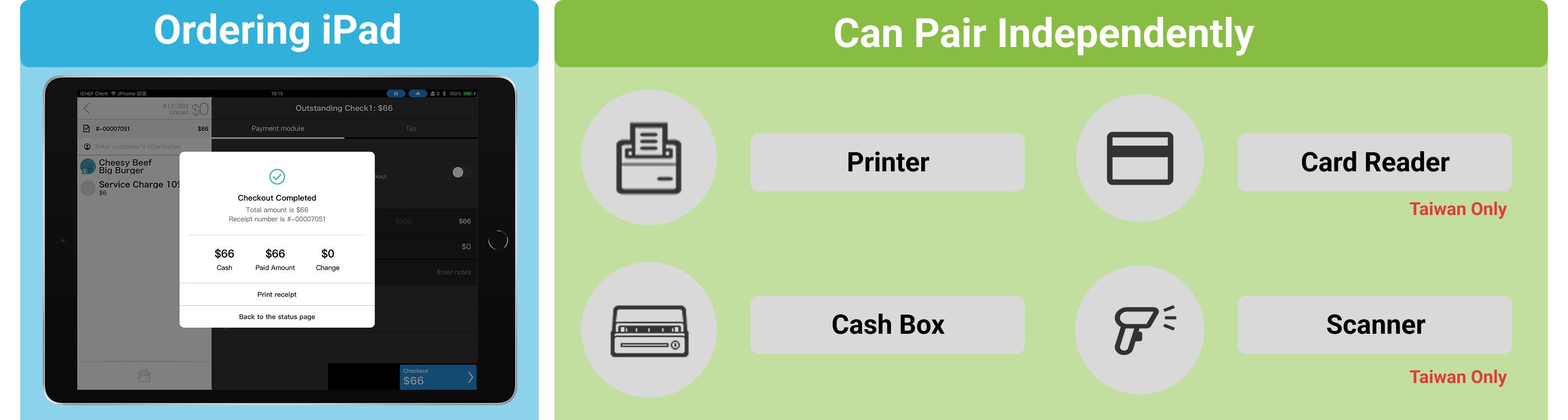
As restaurant business flourishes, it faces the challenge of expanding operations and handling a large volume of checkouts in a short time. To address this, iCHEF introduces the “Multiple Checkout Points” feature, enhancing the Ordering iPad’s capabilities to independently pair with printers, cash drawers, card readers, and scanning devices, supporting the setup of multiple checkout counters within the restaurant.
Quickly grasp the 3 key highlights
➊ Flexible checkout counter setup
Each iPad Ordering iPad can be upgraded to a checkout counter, equipped with independent printers, cash drawers, card readers, and scanning devices. This allows large restaurants to quickly handle peak dining periods, ensuring smooth and uninterrupted checkouts.
➋ Enhance customer experience
Distribute checkout crowds to reduce queue wait times, ensuring every customer receives faster service, increasing repeat visits, and enhancing the restaurant’s overall image.
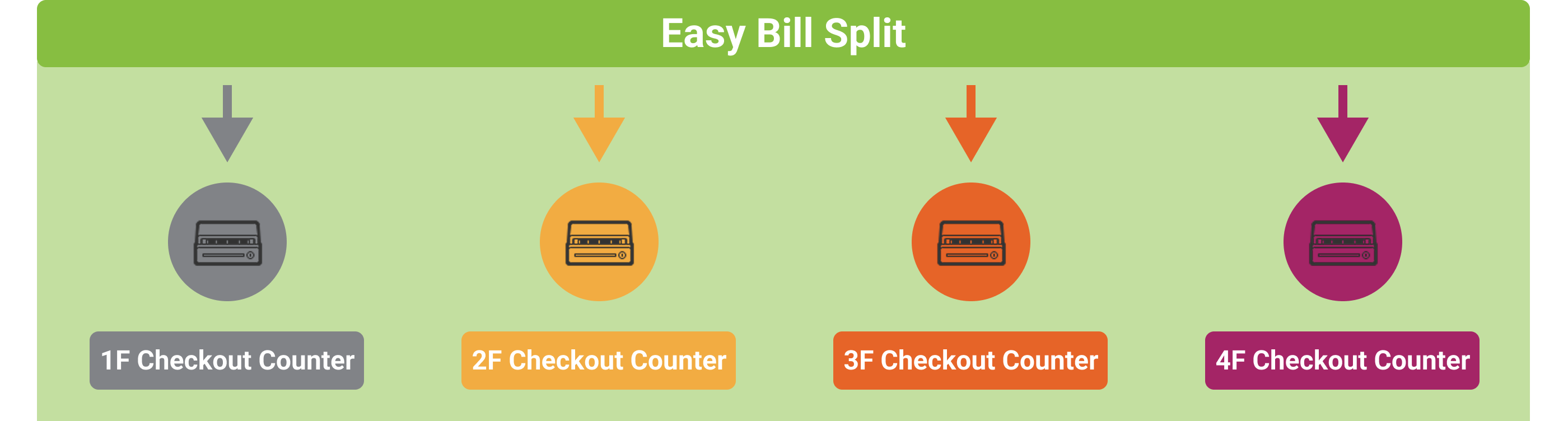
➌ Automatic checkout info splitting
Each iPad can be assigned a Sales ledger, automatically separating checkout info by device. This helps restaurants better track revenue and payments at each checkout station, improving management transparency and accuracy.

Usage Requirements
➊ the Contract Plan for iCHEF POS Must Support the “Ordering iPad” Service.
Taiwan region
| Plan | Available Ordering iPad | Use multiple checkout stations |
|---|---|---|
| Plan | 0 units | — |
| Basic | 0 units | — |
| Standard | 0 units | — |
| Advanced | 1 unit | ✅ |
| Premium | 5 units | ✅ |
* To upgrade your plan, please go directly to the iCHEF backend.
* Existing customers can directly purchase the Ordering iPad service through the iCHEF backend.
Hong Kong region
Please contact your local dealer, NCC, to confirm the current plan details and discuss upgrading your contract.
The Ordering iPad service allows stores to use the same Store ID to log in to the iCHEF POS system on the same local network simultaneously.Learn More
➋ Each checkout counter has its own cash drawer or Card Reader.
When using the Multiple Checkout Points feature, checkout information is calculated separately, suitable for stores where the Ordering iPad independently pairs with cash drawers or card readers.
For additional equipment, customers in Taiwan may purchase via the backend procurement service, while those in Hong Kong should contact the dealer, NCC.

Set up independent checkout counters
Independent checkout counters are set up on the iPad by configuring the Sales ledger and physical devices (such as cash drawers and Card Readers). Next, we will guide you through the setup in two steps.
Please update the iCHEF POS App to version v2.319 or above to configure.
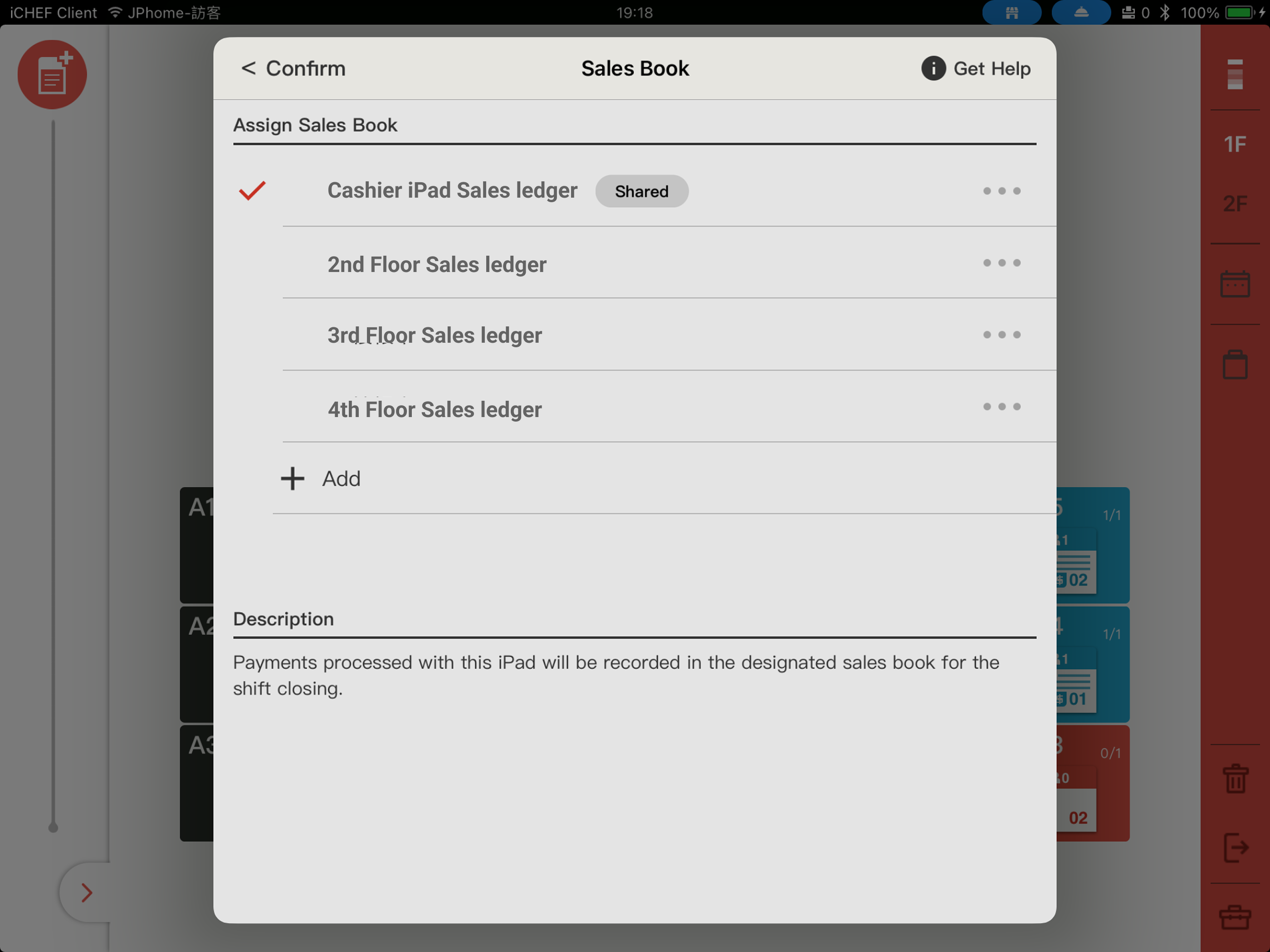
Step 1: Sales ledger setup and management
Add an independent ledger for the iPad Ordering iPad, allowing checkout information to be separated from the Cashier iPad, enabling separate tallying of subtotals.
Step 2: Pair physical devices
Pair the iPad Ordering iPad with independent printers and card readers, allowing the Ordering iPad to use dedicated equipment for printing or checkout.
