
Is your staff always overwhelmed with multiple tasks that they can only manage one table at a time when taking orders from customers?
Try mobile ordering (dine-in) now, so that your customers can browse the menu and place orders by scanning the QR Code! This function not only helps relieve the burden on your staff for the dining area, but also facilitates the ordering process and dining experience for your customers.
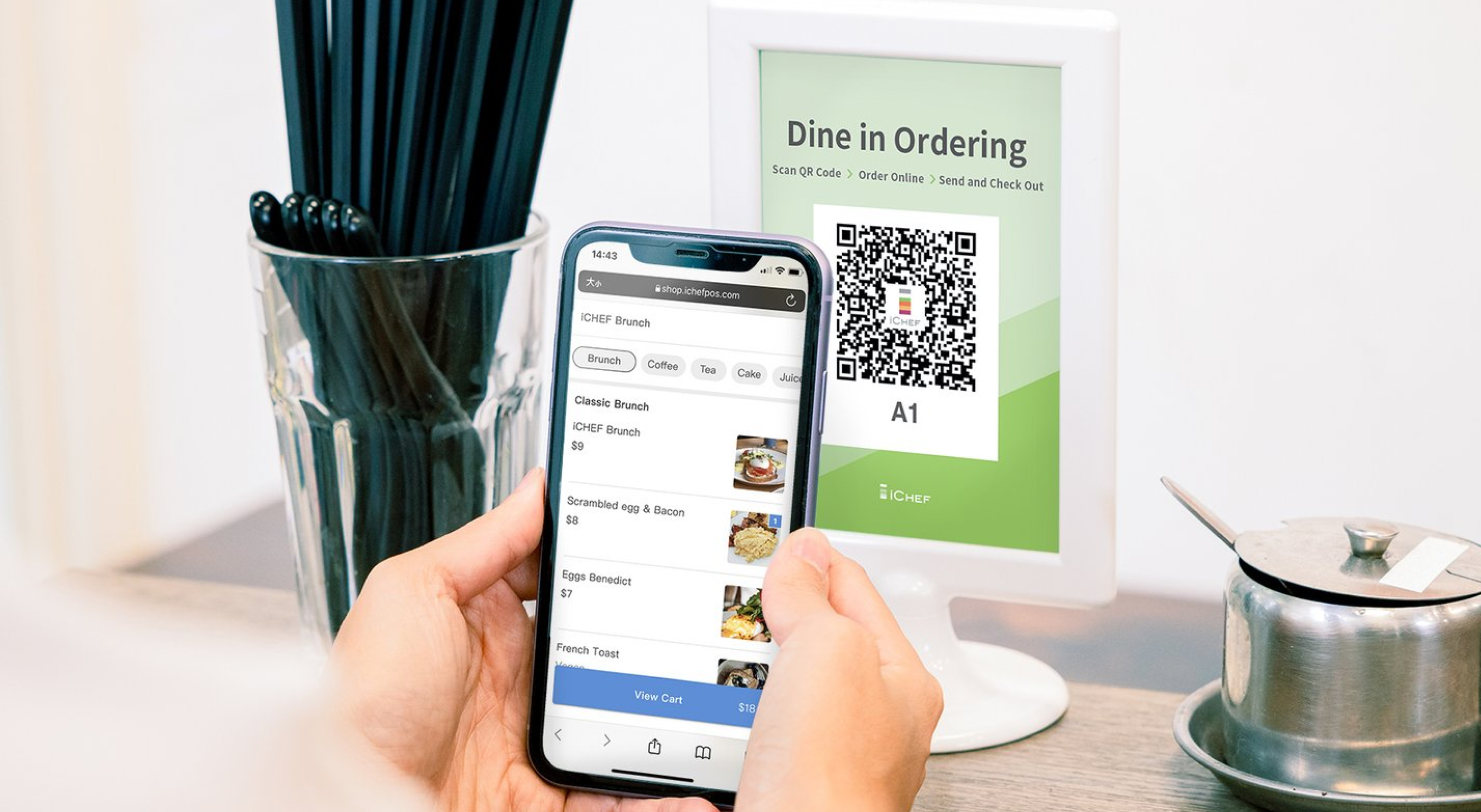

Quickly create a dedicated website using your existing POS items! And by assigning Serving Hours, the menu will automatically switch. All changes will be instantly synchronized to the webpage, making menu maintenance easier and more effortless.
✔︎ Quick Item Import
You can import items from iCHEF POS with a single tap, while retaining online menu flexibility. You can independently adjust item names, images, and descriptions, providing customers with more complete explanations, eye-catching photos, and names.

✔︎ Automatic Switching by Serving Hours
You can assign [Serving Hours] to product categories, allowing the online menu to automatically switch based on your operational plan. For meal period changes or seasonal specials, you no longer have to struggle with updating paper menus or explaining verbally.

❷ Choose from the two forms of mobile ordering QR Code
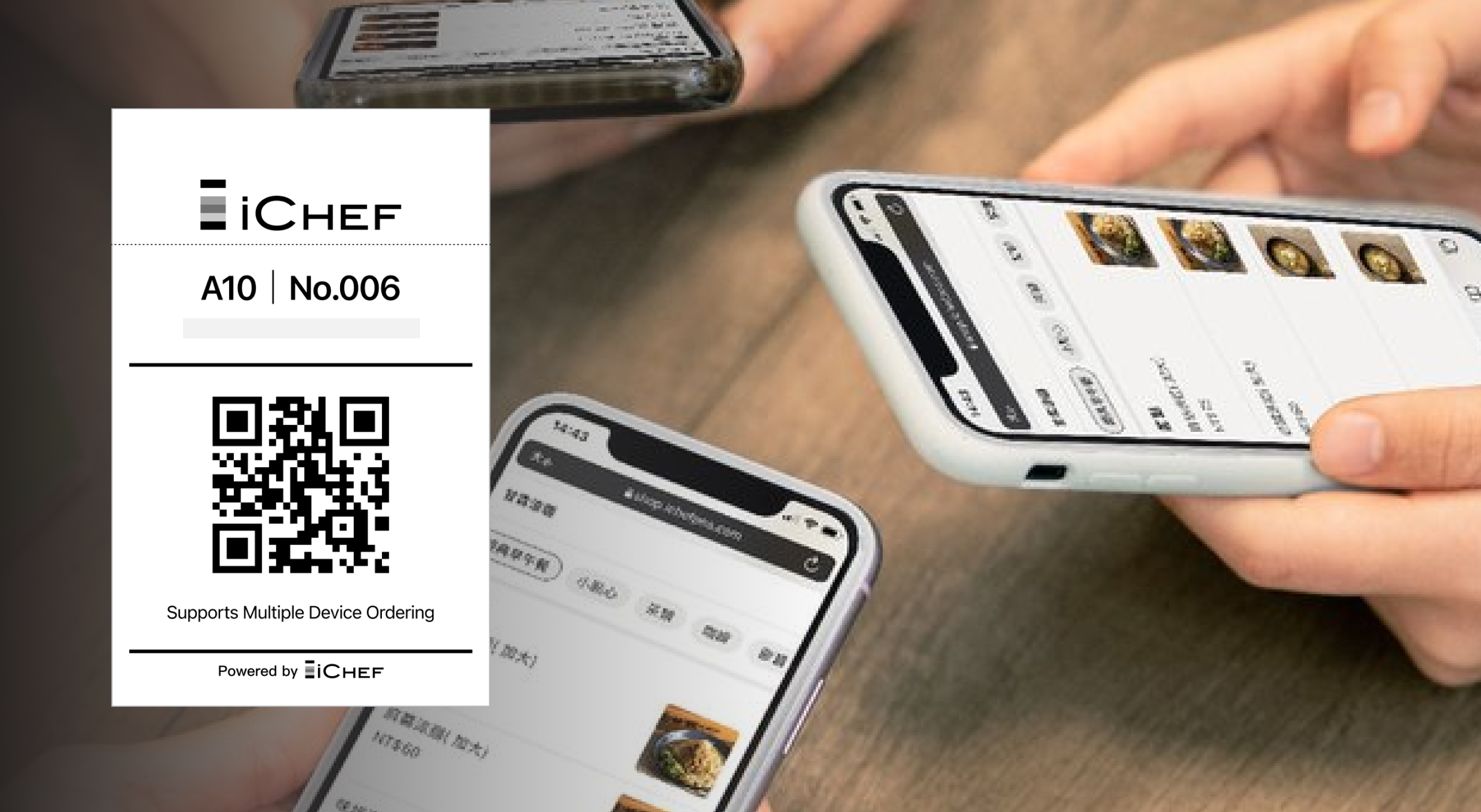
The mobile ordering (dine-in) on iCHEF provides two forms of QR Code: one is static QR Code, which can be used for specific table; and the other is dynamic QR Code, which is exclusively for specific group of customers.
You can choose one of the two forms that suits the business operation of your restaurant the most. In this way, your customers can do mobile ordering simply by scanning the QR Code! After using it for a while, the system will automatically suggest popular menu items to your customers, helping them order faster and choose without hassle.

| Static QR Code | Order QR Code | |
|---|---|---|
| Form | Table card | Receipt |
| Instruction | It can be placed on the table for different groups of customers to scan and place orders. | It is exclusive for each group of customers. |
| How to print | iCHEF will generate a static QR Code for specific table from the backend. Download and print it, and then place it on the table. | iCHEF POS App will generate a dynamic QR Code accordingly after a dine-in order is created. Print it directly with the printer in your restaurant. |
Under the forms of QR Code provided by the restaurant, customers can share their orders in different ways.
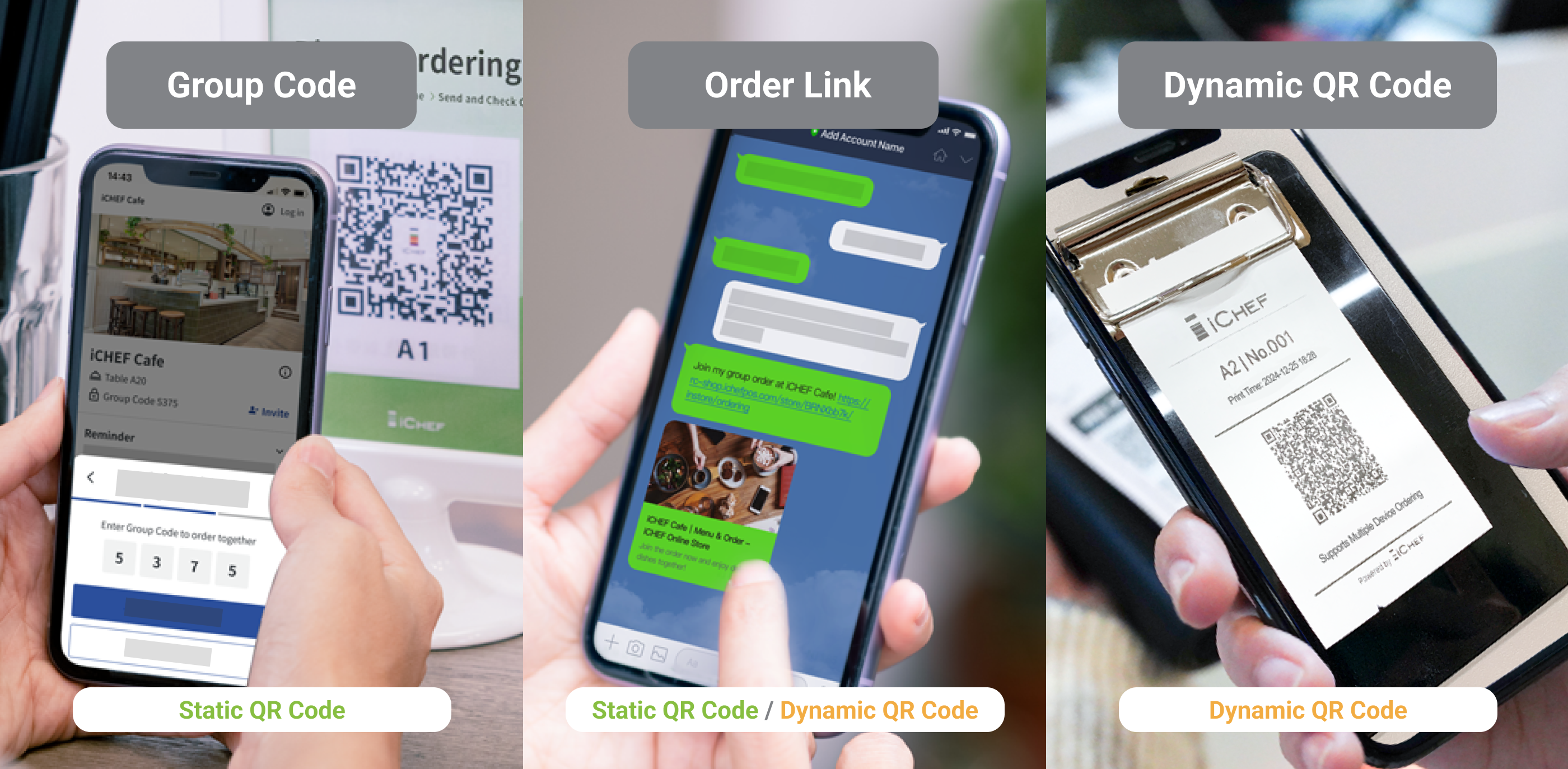
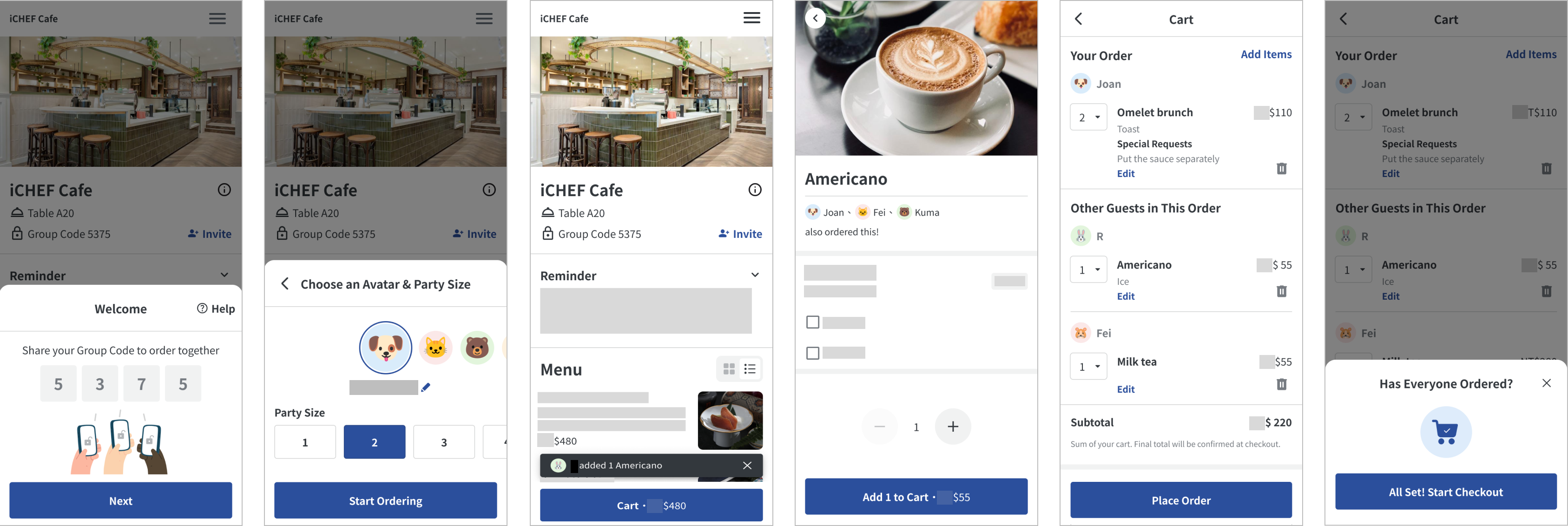
✔︎ Simultaneous ordering across multiple devices
For the customers come as a group, they can view what others order. This function can help prevent ordering issues and facilitate the process of bill splitting.
✔︎ Auto Recommendations
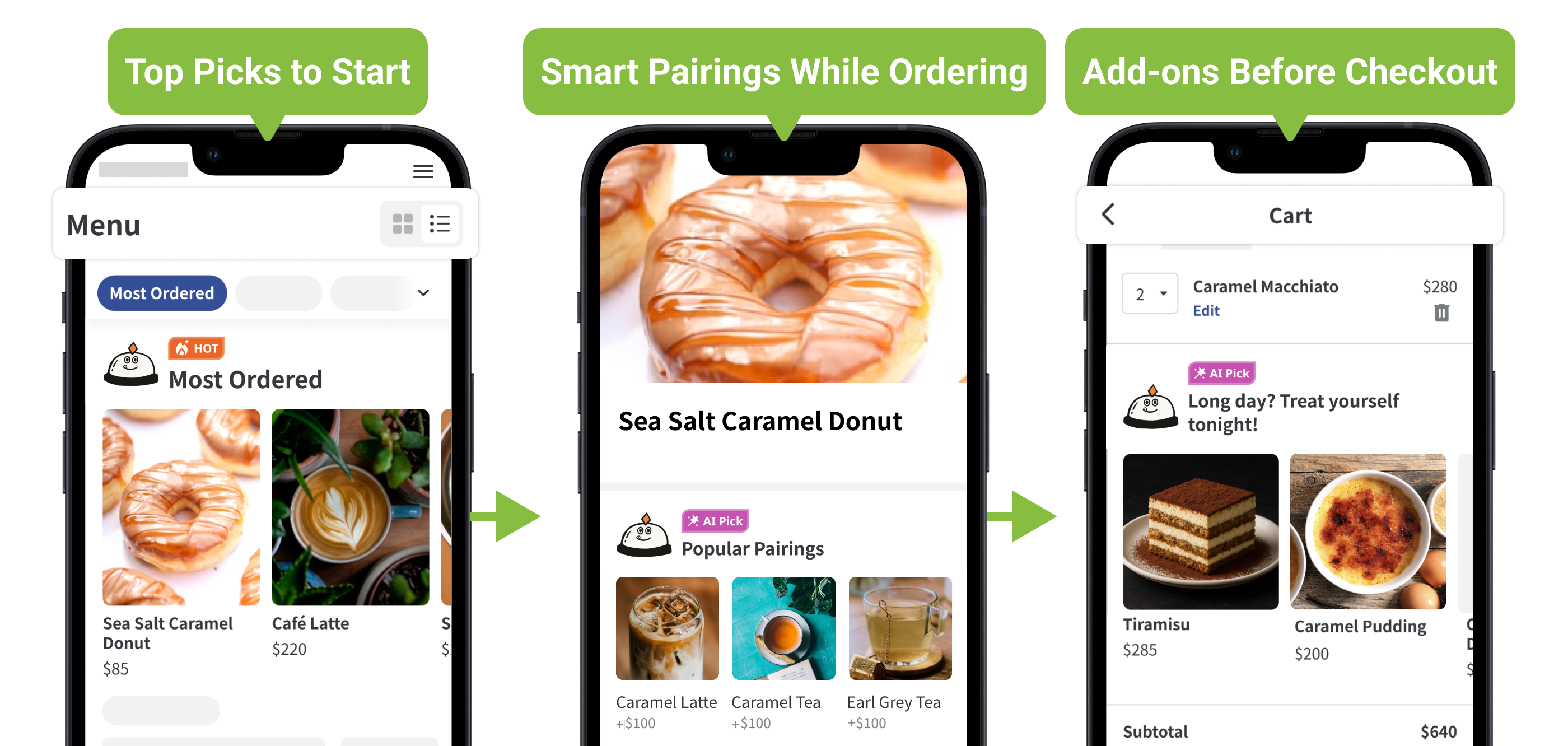
Boost sales without saying a word! iCHEF’s AI Assistant analyzes sales, time, weather, and party size to suggest the perfect items at every stage. With smarter logic, driving more orders has never been easier. Learn More
❸ Easy Management with POS
Orders placed by customers from the webpage go directly into the iCHEF POS App with instant notifications. After you accept an order, it will be printed according to your in-store workflow, making the operational process seamless! You can also set up dining and ordering time limits, which allows the system to proactively remind customers to prevent overdue orders.
✔︎ Real-Time Order Alerts
You can individually turn order notifications on and off for each iPad in the store. Once turned on, the iPad will notify you via push messages and sounds.

✔︎ Dining Time Reminders
Enable Dining & Ordering Time Limit to let the system automatically block online orders at the set time. POS tables will also show a timer icon when dining time ends.

Important Notes
Online Store – Mobile Ordering extension: Applicable to the orders from Mobile Ordering (Takeout) and Mobile Ordering (Dine-in). Accepting 1 order with the extension on iCHEF POS will be recorded as 1 count of usage. Any operation after accepting the orders such as canceling or deleting them will be recorded as 1 count of usage as well.
The simultaneous ordering across multiple devices or additional orders from the same table will not affect the count of usage. Such operation will be recorded as 1 count of usage.