Learn how to close an order after checkout.
Close An Order Manually
Paid orders from Mobile Ordering (Dine-in) are shown at the table on iCHEF POS. Drag the [order] icon to the [bin] icon to close the order.
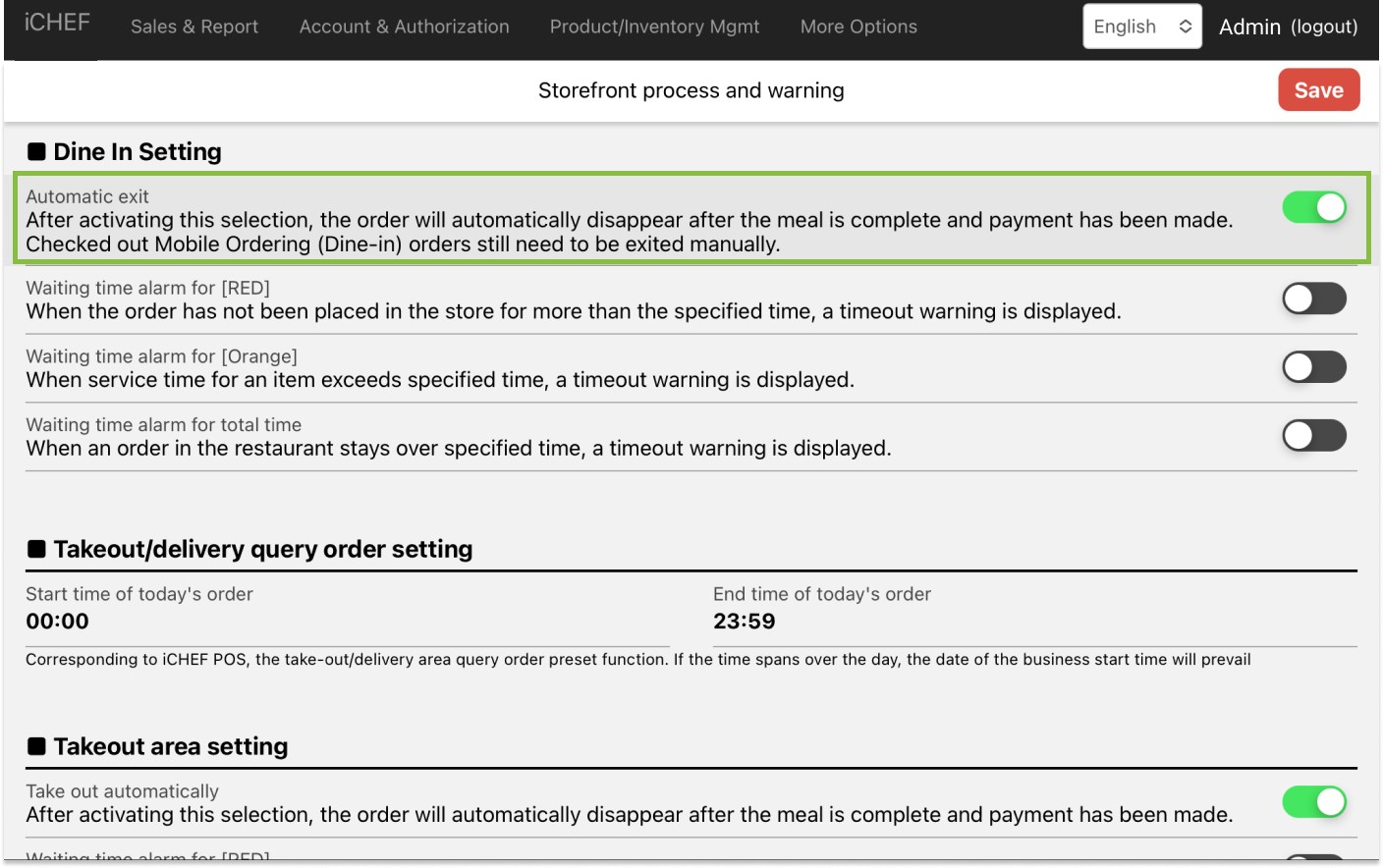
Close An Order Automatically
Unpaid orders will be closed automatically after checkout. For the orders that have been paid online, you still have to close the order manually.
- Please go to Store Management > Store Processes and Alerts
- Toggle on [automatic exit] under Dine-in Settings