You can edit discounts anytime, however, if you edit discounts within opening hours, unpaid orders will apply to new rules and be recalculated. There are two possible circumstances:
Case 1: Delete Discounts
Situation:
An unpaid order for a total of $100, free from service charge, is applied to a 10% off discount for the total. Checkout total: $100 * 0.9 = $90.
Calculation:
After you delete the discount and [Update Menu] for iCHEF POS, checkout amount for this unpaid order will be recalculated.
Case 2: Adjust Discounts Rules
Situation:
An unpaid order for a total of $100, free from service charge, is applied to “save $20 for every $100 spend” discount. Checkout total: $100 – $ 20 = $80.
Calculation:
After you adjust the discount rule to “save $20 for every $200 spend” and [Update Menu] for iCHEF POS, checkout amount for this unpaid order will be recalculated.
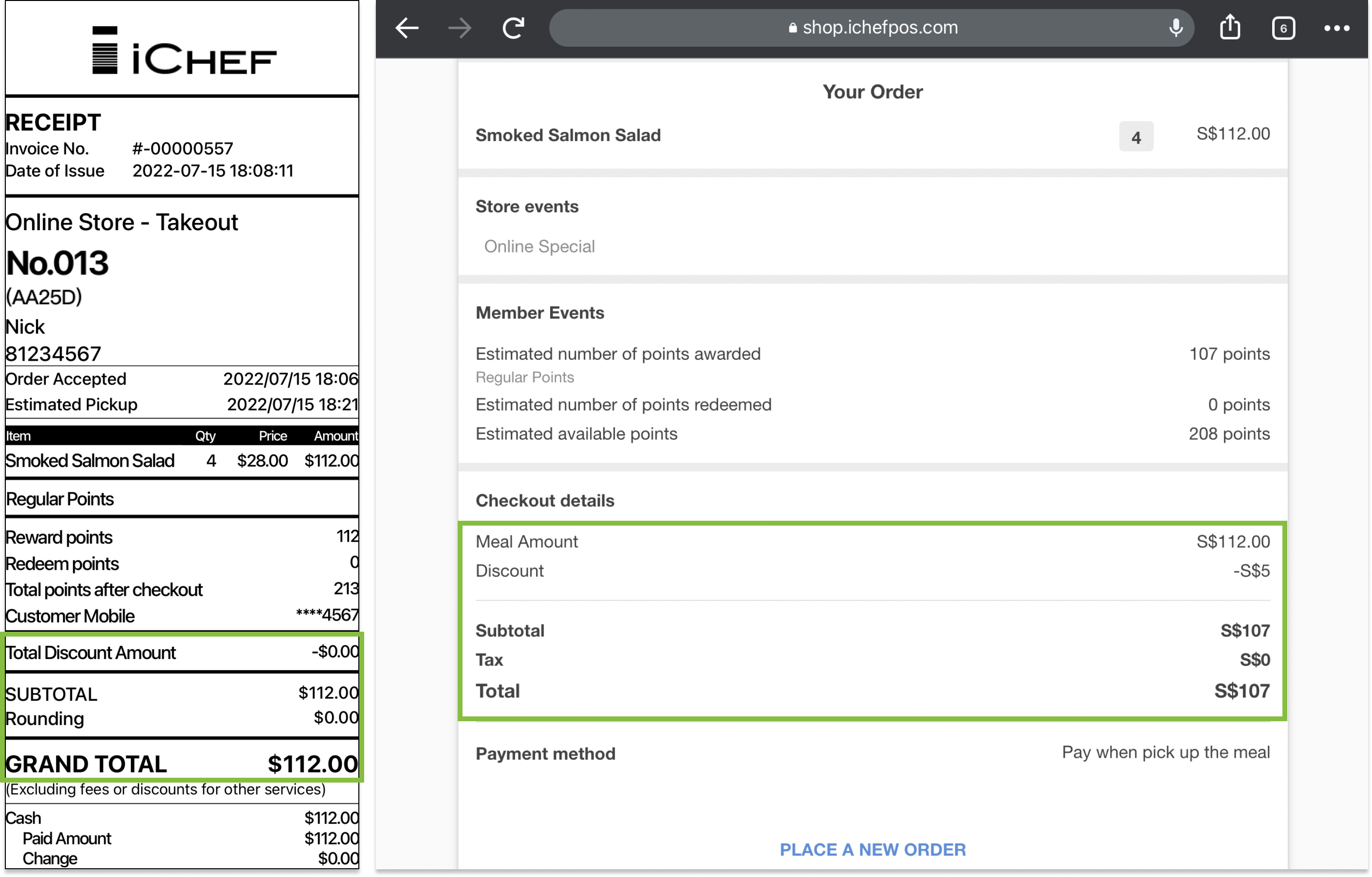
Consequence for Online Store
If an unpaid order from Online Store is applied to a deleted/adjusted discount, customers might see a different checkout amount on their screen. Please confirm the actual amount on iCHEF POS.