
Google Business Profile is a free online visibility tool that allows customers to find your restaurant on Google Maps or in search results. If the [Reservation] feature is enabled, you can also add a reservation entry point to your Business Profile, allowing customers to make reservations directly online.

Add Reservation Entry Point to Google Business Profile

Step 1: Business Profile Creation and Verification
Please confirm whether your restaurant has a Google Business Profile:
- Existing Business Profile: Proceed directly to Step 2.
- No Business Profile yet: Please first go to Google Business Profile to apply and complete verification, then proceed to Step 2.
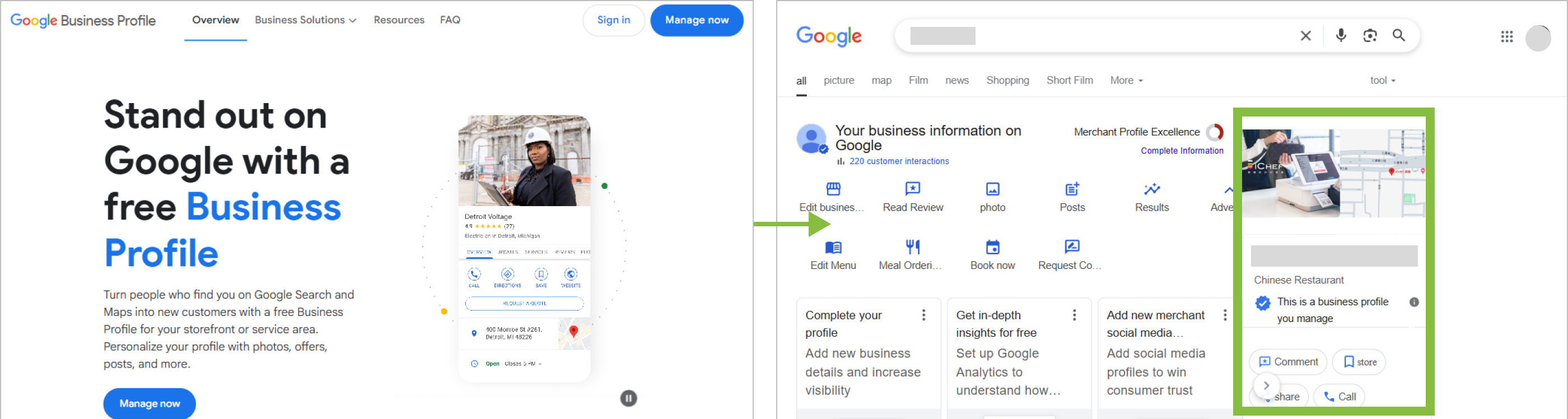
Step 2: Bind with iCHEF
Go to iCHEF Backend Integration Settings > Google Business Profile to confirm whether your Google Business Profile is bound with iCHEF:
- Binding completed: Proceed directly to Step 3.
- Not yet bound: Tap the [Bind Google Business Profile] button, complete binding with iCHEF, then proceed to Step 3.

Step 3: Edit Google Reservation Settings
➤ Backend Path:Online Store > Reservation > Feature Status
- Tap [Edit] in Google Reservation Settings.
- Enable the reservation button or reservation link.

After setup is complete, it needs to wait for Google’s review (approx. 1-3 days). Once approved, you can view it from your Business Profile.
Google Reservation Interface Limitations
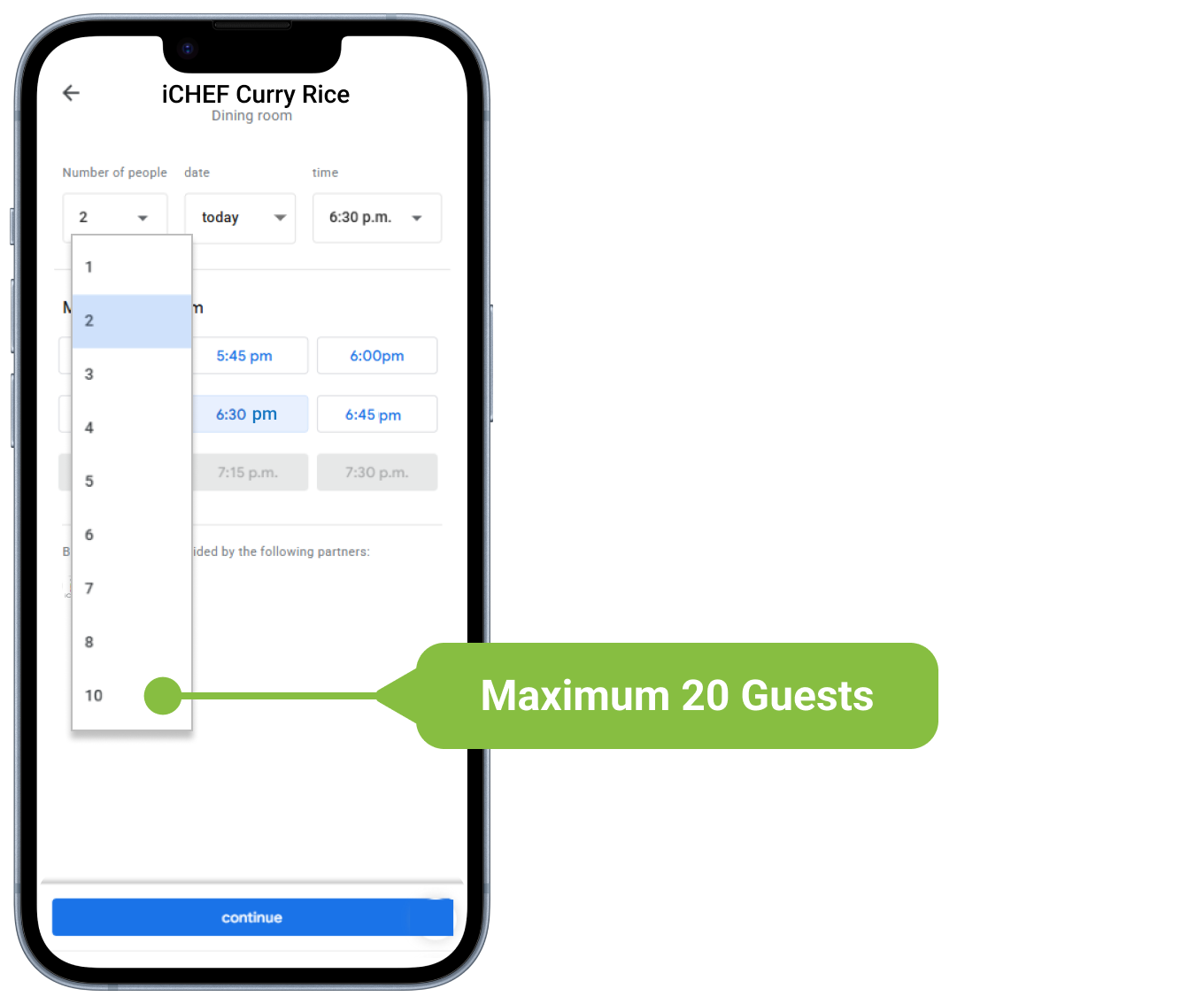
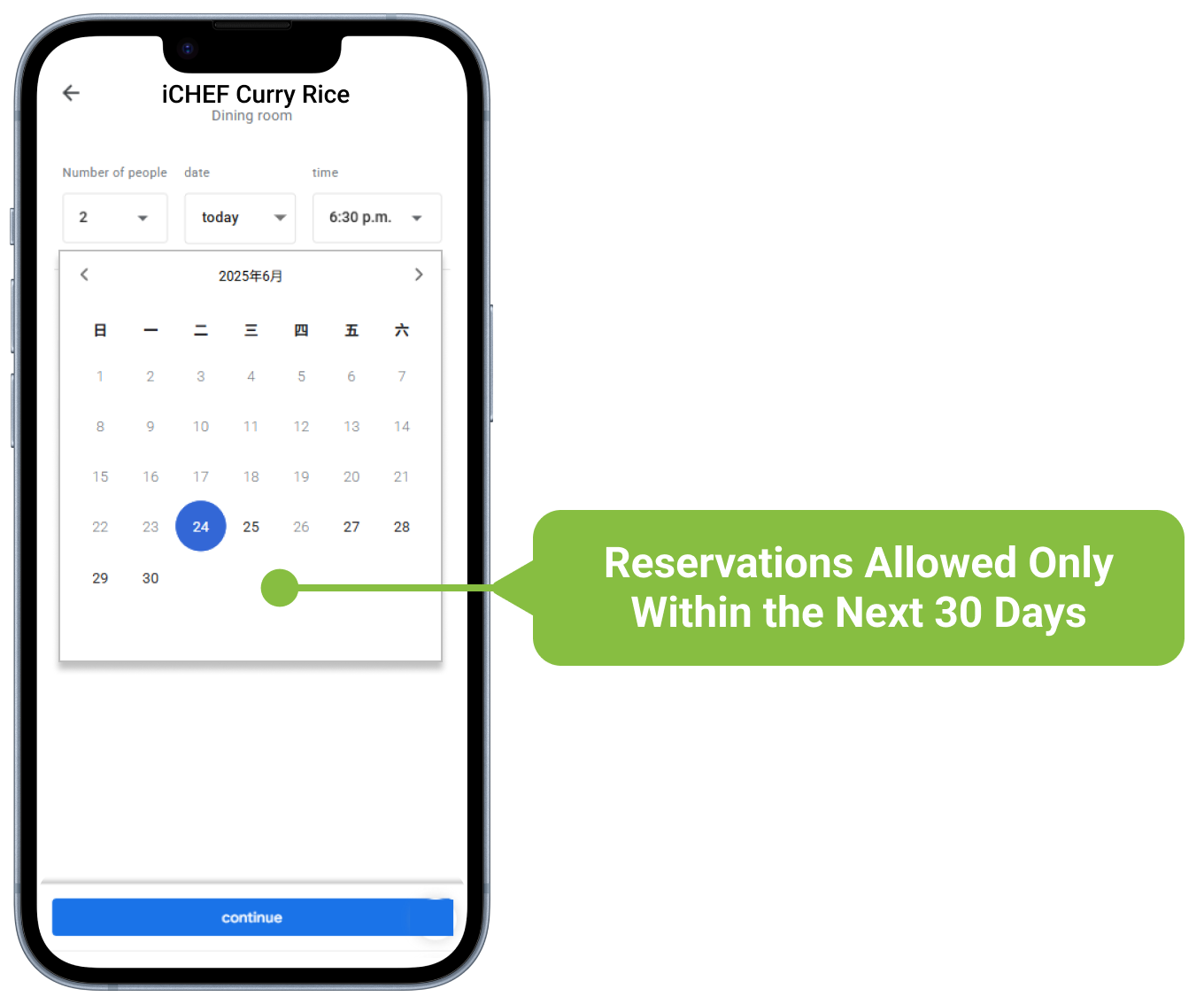
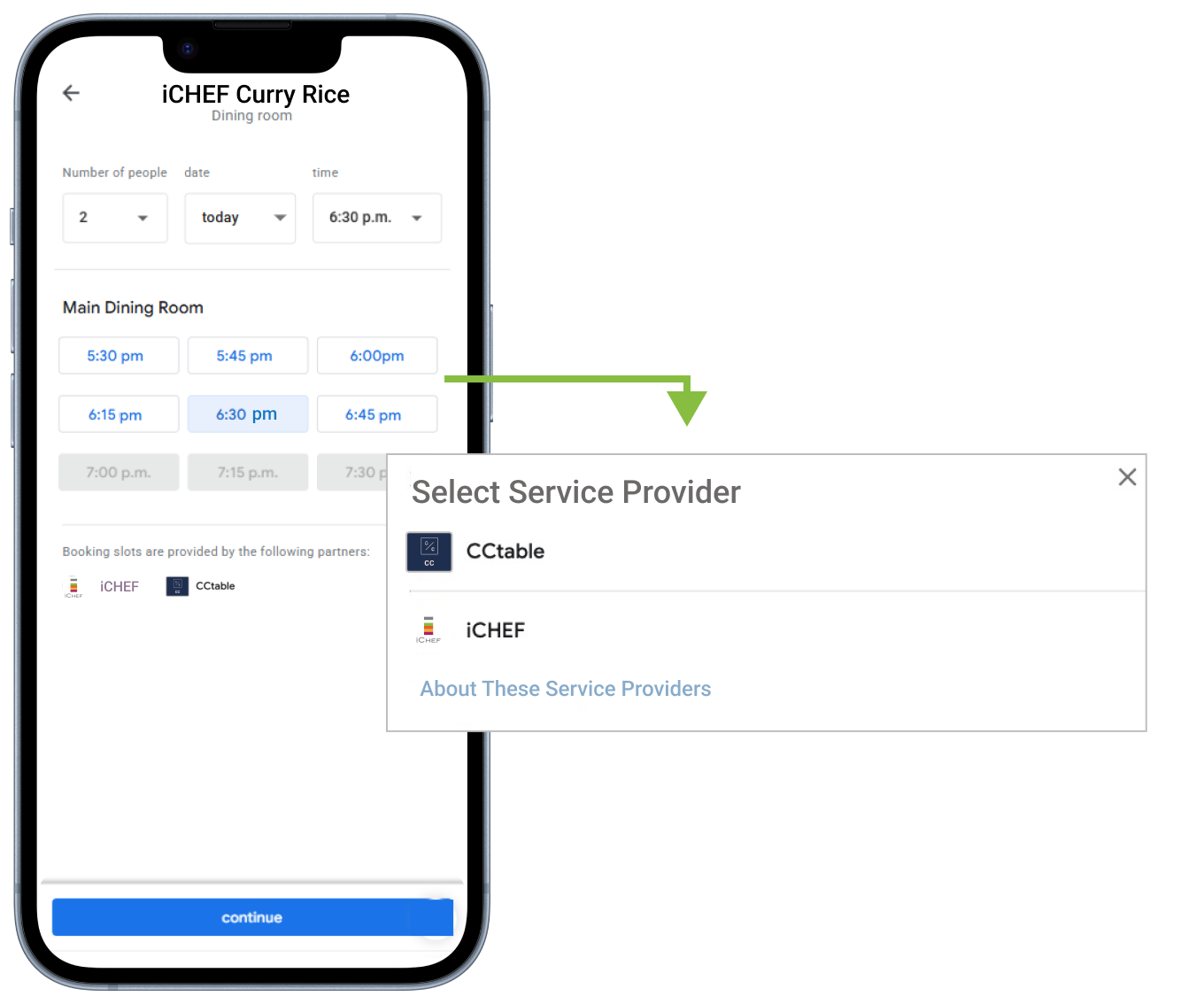
It is recommended to disable Google reservation services from other reservation providers to ensure all reservation slips are sent to iCHEF, which helps with future [Seat Guests] and improves restaurant efficiency.

All displayed information (including reserved guest count, date, time, and special business days) requires 1-3 days for review. If unable to make a reservation, the Google interface will display [Reservation Failed].
Customer Usage
Complete reservations directly on the Google interface.

In addition to reminders sent by Google, you will also receive reservation reminders sent by the restaurant’s POS provider.
Google Reservation Link
Go to the reservation URL created by iCHEF for you.
