Every transaction on Online Store will be recorded and sorted by payment methods. Learn more about: Shift/Daily Close out
Payment Methods
| Payment Methods / Instructions | Supported Regions | View Net Income |
|---|---|---|
| Pay at Counter | Taiwan, Hong Kong, Singapore | — |
| LINE Pay | Taiwan | Instructions |
| Cards (NewebPay) | Taiwan | Instructions |
| Cards (Stripe) | HK, SG | Instructions |
Look up Transaction Details
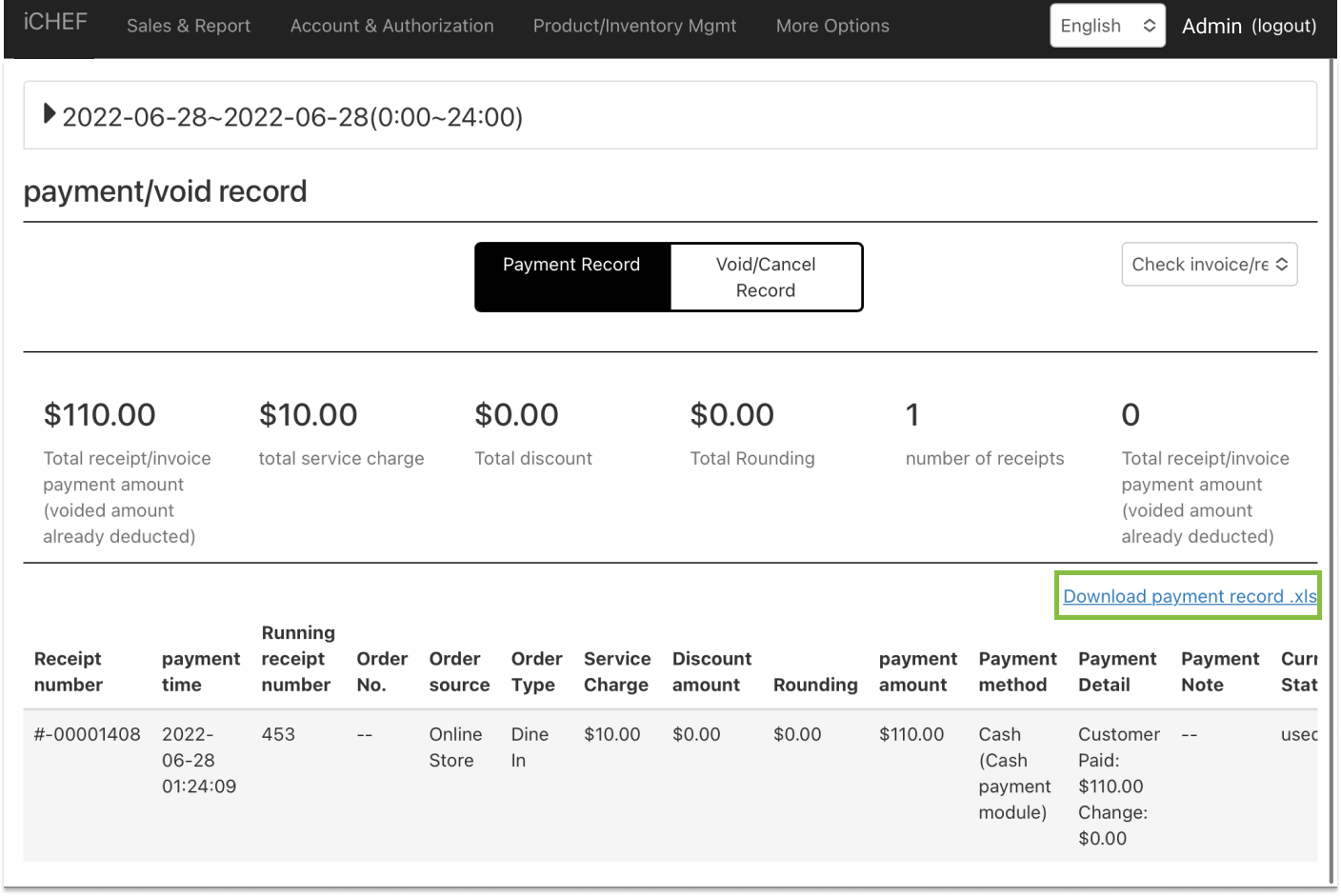
If you find discrepancy between your cash drawer and closing record, you can look up transaction details for Online Store through [Payment/Void Record].
- Go to Sales & Report > Payment/Void Record
- Download [payment record.xls]
- Filter the following column:
- iCHEF Online Store Orders
- Dine-in
- Filter payment method by the method that is uneven on your closing record